
How to Find Berks County Court Dockets
The Pennsylvania Judiciary Web Portal Case Search is the official home for Berks County court dockets. It carries docket sheets for appellate courts, the Court of Common Pleas, and the Magisterial District Courts. A docket sheet is a summary of case status, court, presiding judge, documents filed, hearings, and other activity. It is the public face of the case, even when the file stays at the courthouse.
You reach the dockets through the UJS Case Search. Pick a search type, enter your terms, and set the county to Berks for local results. The portal then returns matching dockets you can open and read.
- Choose how you want to search: docket number, name, citation, or another identifier.
- Enter the value and add Berks as the county where the field appears.
- Open the docket sheet from the result list.
- Read the entries from top to bottom in date order.
- Note the filing office so you know where to request copies.
Berks County Docket Number Formats
The docket number tells you a lot before you even open the case. The first letters show the court level. The numbers show the county, the case type, the sequence, and the year. Berks County uses county code 06 in Common Pleas numbers and the 23rd district code in magisterial numbers. The table below breaks down the common formats.
| Prefix | Court | Example Pattern |
|---|---|---|
| CP-06-CR | Common Pleas, criminal | CP-06-CR-0009999-2026 |
| CP-06-CV | Common Pleas, civil | CP-06-CV sequence and year |
| MJ-23 | Magisterial District Court | MJ with district number, TR for traffic or NT for non-traffic |
| Appellate | Superior or Commonwealth Court | Number, letters, and year |
A traffic case often carries an MJ number with TR in it. A felony that moved up from a district judge will show a CP criminal number, and sometimes both numbers appear when the case is linked.
How a Case Reaches the Berks County Docket
A docket grows as a case moves through the system, so the entries tell a story in order. A criminal case usually starts before a magisterial district judge with a complaint, a preliminary arraignment, and a bail decision. If the judge holds the case for court, a new Common Pleas docket opens and the Clerk of Courts takes over the file. That is why one matter can show both an MJ docket and a linked CP docket.
Civil and family cases move differently. A civil claim over the district court limit, or a divorce or custody case, is filed straight with the Prothonotary and opens a CP civil docket. A small claim, a landlord-tenant case, or a traffic citation stays at the magisterial district level under an MJ docket unless it is appealed. Knowing which path a case took tells you which docket number to expect and which office to call.
Searching Dockets by Number or Name
A docket number gives a direct hit and is the cleanest search. When you do not have it, a participant name works for a person or a business. Add the county and a docket type to cut down false matches. For criminal cases, the Offense Tracking Number, the complaint number, or the incident number can each find a docket.
Name searches need care. The portal can be picky about how a party was entered. If a name returns nothing, try a maiden name, initials, or dropping the first name. If a date search fails, remember that the date filed is not the offense date, the hearing date, or the arrest date.
Note: A docket that does not appear may be juvenile, expunged, sealed, or limited access rather than missing from the system.
Reading a Berks County Docket Sheet
Each docket sheet follows the same shape. The header carries the case identity. The body lists every event in order. The fields below are the ones a Berks docket commonly shows, and knowing them helps you tell a charge from a disposition or a filing from a hearing.
| Docket Field | What It Shows |
|---|---|
| Docket Number | The case ID and the court level |
| Case Caption / Parties | The names on each side of the case |
| Case Status | Active, Closed, Inactive, or Adjudicated |
| Judge / Issuing Authority | The judge or magisterial district judge |
| Docket Entries | Filings, motions, orders, and notices by date |
| Disposition | The outcome of each charge or claim |
| Hearings | Date, time, and court office for each event |
| Financial | Fines, costs, restitution, and balance |
The entries read like a timeline. A criminal docket may open with a complaint, move through a preliminary hearing, and end with a plea, a sentence, and a payment plan. Each line is short, so the full story comes from reading them together.
Hearings and Financial Entries
Hearing entries list the date, the time, and the court office or courtroom. They help you confirm an upcoming court date or check whether a hearing already happened. A continuance entry means a hearing was pushed back. Because the docket can lag behind the court, always confirm a date with the court office before you rely on it.
Financial entries track fines, court costs, restitution, and any balance owed. For Common Pleas cases, those payments run through the Clerk of Courts. Online ePay through the portal adds a $2.75 convenience fee. The docket may show a payment plan and a running balance, which is useful when you need to clear a case.
Filters That Narrow a Docket Search
When a name returns a long list, the portal filters cut it down fast. The county filter limits results to Berks. The docket type filter sorts by case kind. The case status filter shows only open or closed cases. Used together, they turn a messy list into a short one. The filters below are the ones that help most on a Berks search.
- County - set it to Berks to drop cases from other counties.
- Docket Type - Civil, Criminal, Landlord/Tenant, Non-Traffic, Summary Appeal, or Traffic.
- Case Status - Active, Closed, Inactive, or Adjudicated.
- Date Filed - a start and end date, within the range the portal allows.
- Case Category - a longer list that includes Orphans' Court, PFA, and many others.
Start broad, read the first results, then add one filter at a time. Adding every filter at once can hide the case you want behind a strict match.
What a Berks County Docket Cannot Show
A docket is powerful, but it has limits. It can lag behind a custody change, so a release or a new arrest may not appear the same day. It does not carry a full driver history; that record lives with PennDOT. It does not include sealed affidavits or expunged matters. And it is not a background check, since the statewide criminal history sits with the Pennsylvania State Police.
Treat the docket as an index, not the last word. When a date, a balance, or a status matters, confirm it with the court office that owns the case. For custody status, the inmate records page explains the jail and notification tools.
Dockets That Stay Confidential in Berks County
Some Berks County dockets never reach a public search. Pennsylvania law sets the limits. Juvenile court files are restricted, expunged cases are removed, and criminal history sharing is capped by statute. The screenshots below link the official text of each rule.
Juvenile files are closed under 42 Pa.C.S. § 6307, which limits who can inspect them.
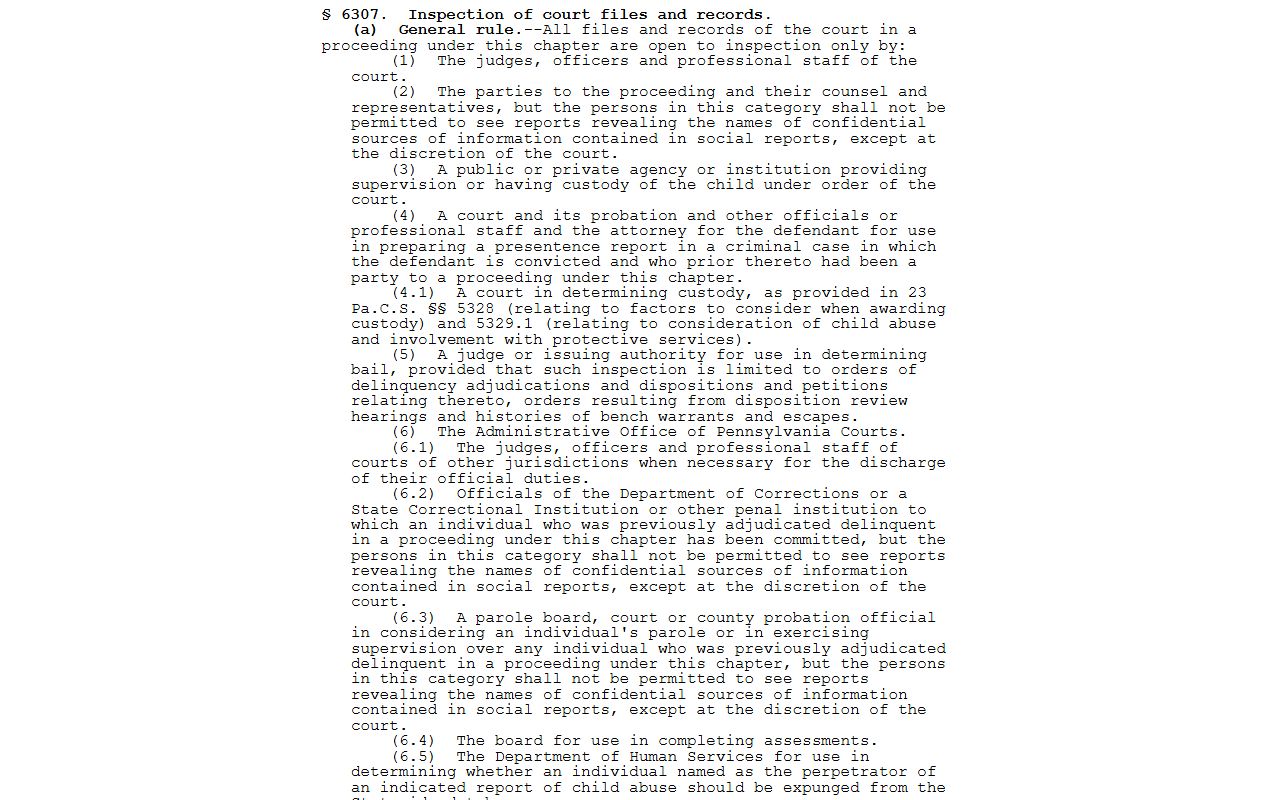
That statute is why juvenile dockets do not show up in a normal portal search. Criminal history sharing has its own rule.
The sharing of criminal history record information is governed by 18 Pa.C.S. § 9121.
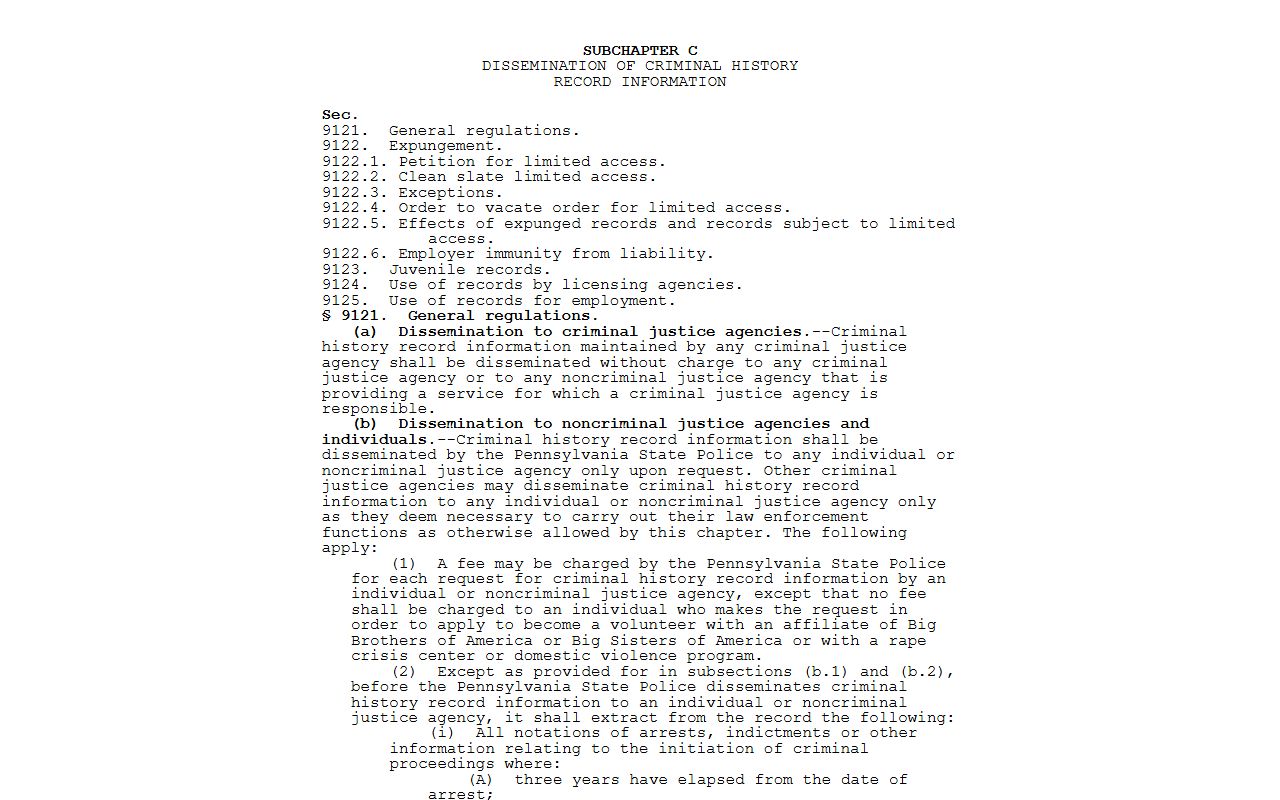
Expungement removes qualifying records entirely under 18 Pa.C.S. § 9122.
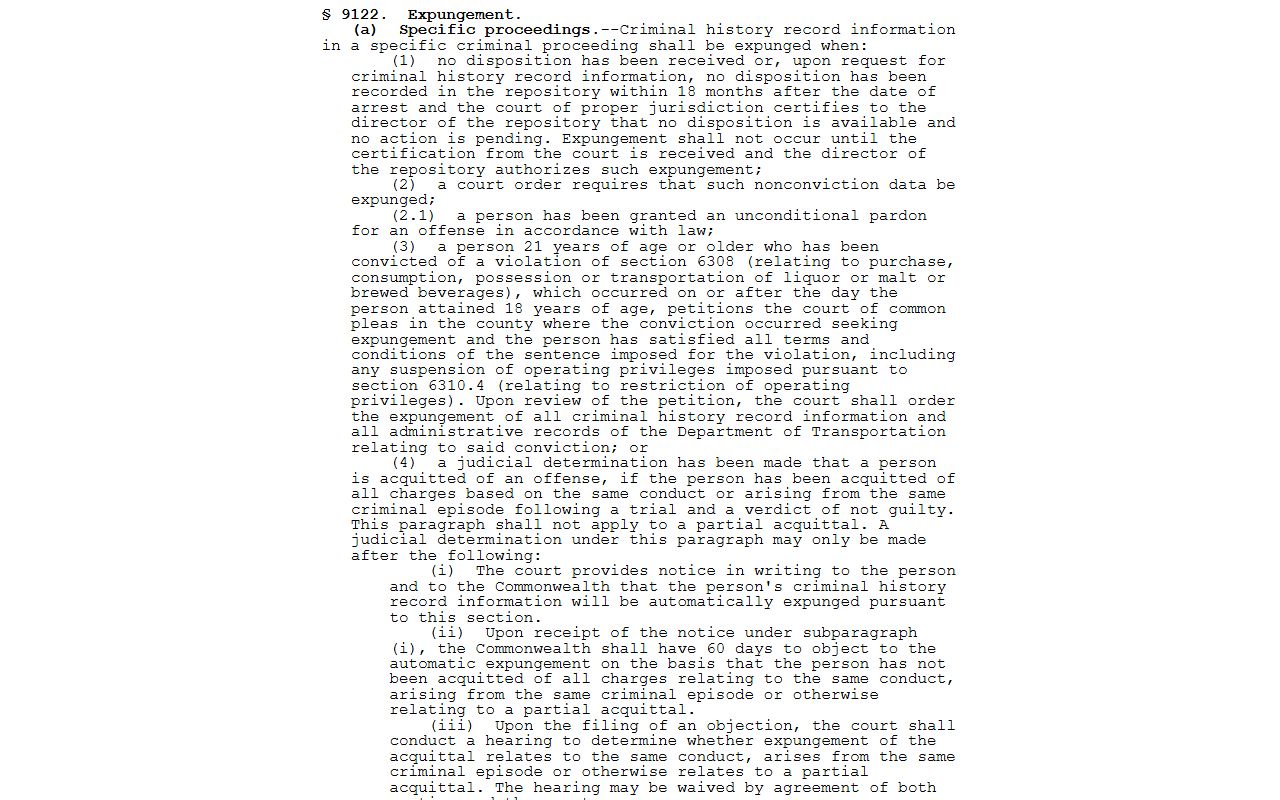
When a case is expunged, even a correct search can come back empty. That is the law working as written, not a portal error.
Federal and Prosecution Dockets
Not every Berks case sits in state court. Federal cases from Berks County are handled in the U.S. District Court for the Eastern District of Pennsylvania, which has a courthouse in Reading. Federal dockets live on PACER, not on the state portal. The U.S. Attorney prosecutes those federal cases.
The U.S. Attorney for the Eastern District covers Berks and eight nearby counties.
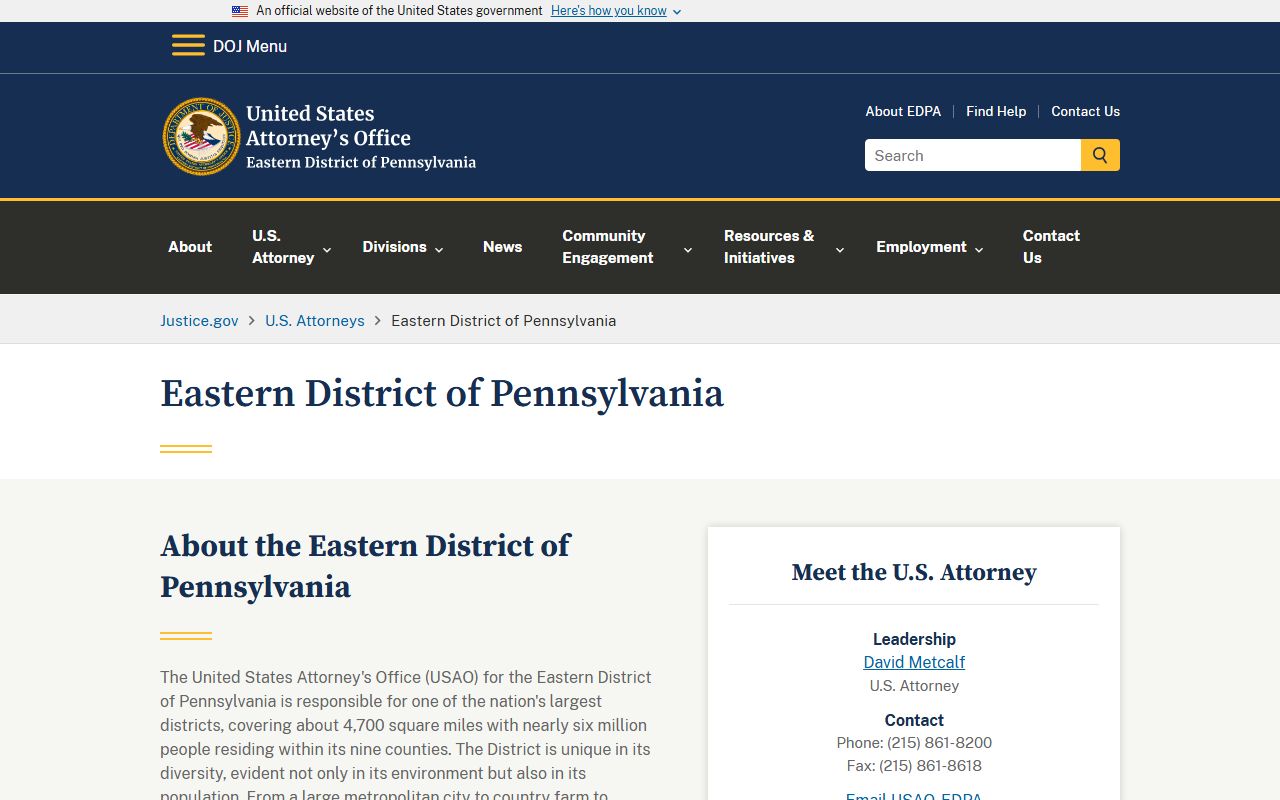
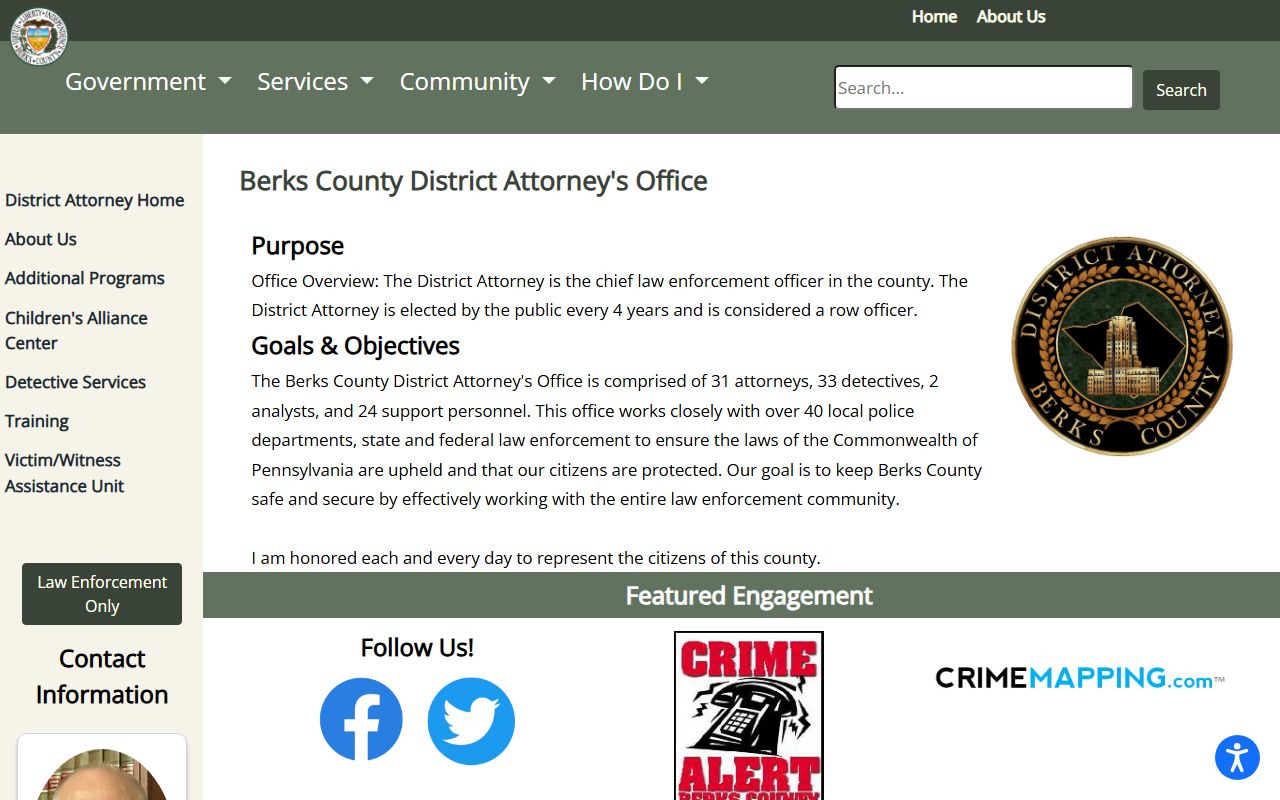
At the county level, the District Attorney prosecutes Common Pleas criminal cases that show up on the state docket.
The Berks County District Attorney office works with more than 40 local police departments.
For the criminal side of these dockets, see the arrest records page.
Why Berks County Dockets Skip Documents
The portal lists each filed document, but it does not let you download the file. The statewide system explains that the documents stay with the county Clerk or Prothonotary where the case was filed. So you use the docket to find the case, the parties, the dates, and the document titles, then you order copies from the county office. For a criminal case that is the Clerk of Courts; for a civil or family case it is the Prothonotary.
For the full copy process, see Berks County court records and the Clerk of Courts page.